SI, CardCosmic's AI-assisted system, checks supported codes and card images for invalid or already-used codes. Automated checks reduce manual code handling.
CardCosmic reports initial checks within 30 seconds for supported cards. This is not a guaranteed trade or payout time; exceptions can require further review.
On-platform. From start to finish.
Off-platform trading is prohibited. Trade supported standard and special card types inside CardCosmic, with customer support, review and security teams overseeing the process.
Competitive rates. Clear quotes.
See what your card can earn before you submit it. Rates change with the market; your available quote is shown in the platform.
Help, any hour of the day
24/7 support, backed by SI assistance and a team of 100+ support staff, as reported by CardCosmic. Get help with your account, card review or withdrawal inside the platform.
COMPLETED TRADES
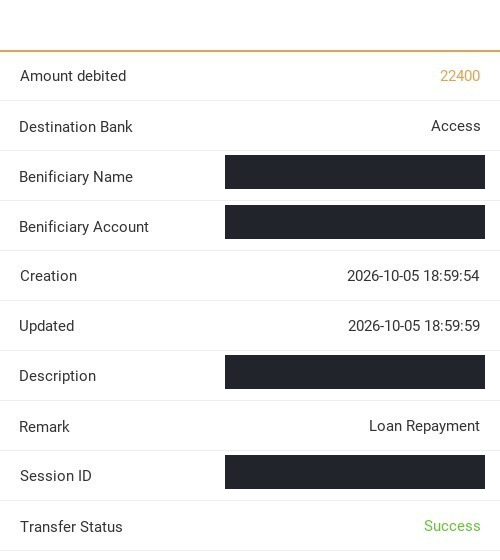
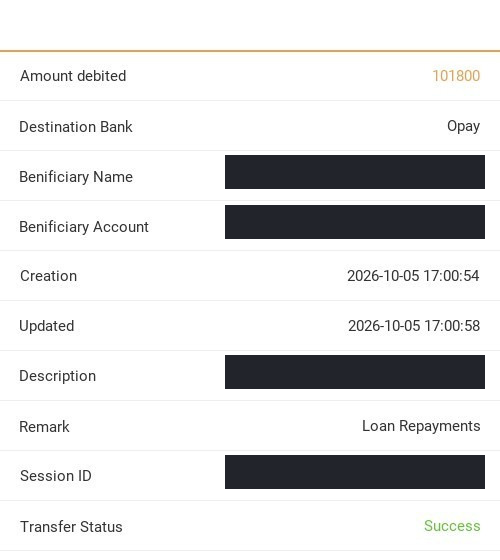
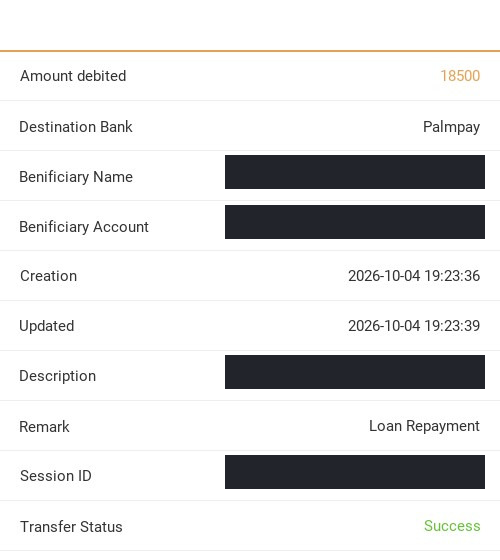
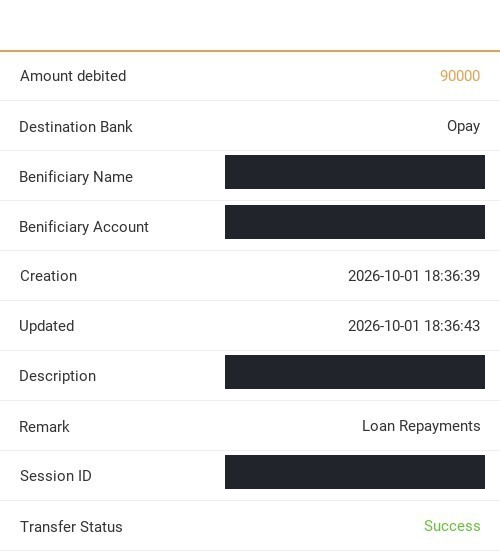
Gift cards sold. Next move made.
Apple / iTunes, Steam and Razer Gold trades shared by CardCosmic.
Four steps, with your reward conditions clear from the start.
Product preview. Balances and rates are illustrative.
01 / CREATE YOUR ACCOUNT
Start with 000000.
Download the app and create your account. Enter 000000 in the invitation code field before completing signup.
Keep the code with you. Clicking a link or downloading the app does not apply it automatically.
Product preview. Available card types may vary.
02 / SUBMIT YOUR GIFT CARD
Put an unused card to work.
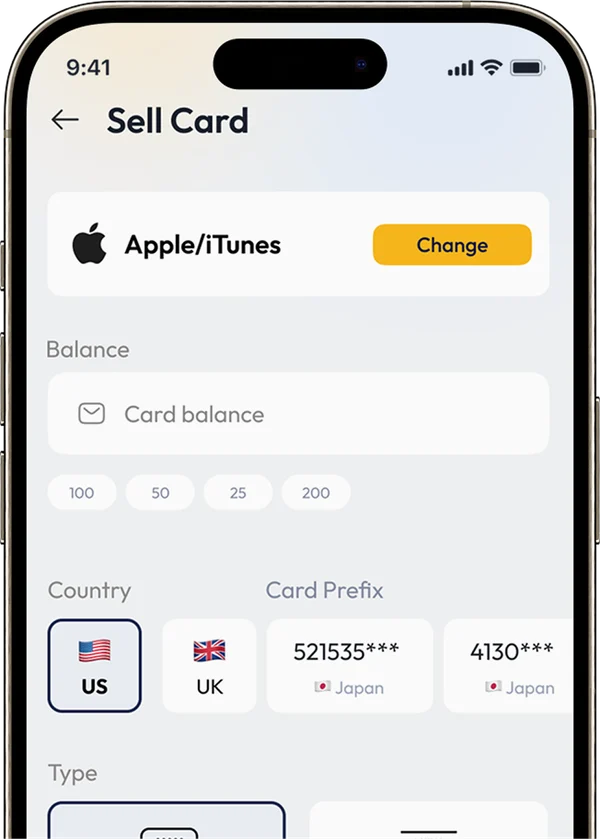
Choose the brand, country, value and format. Review the available rate, then submit your eligible card's code or image through CardCosmic.
Keep your card details on the platform. Never send an unredeemed code to an off-platform trader or a public comment.
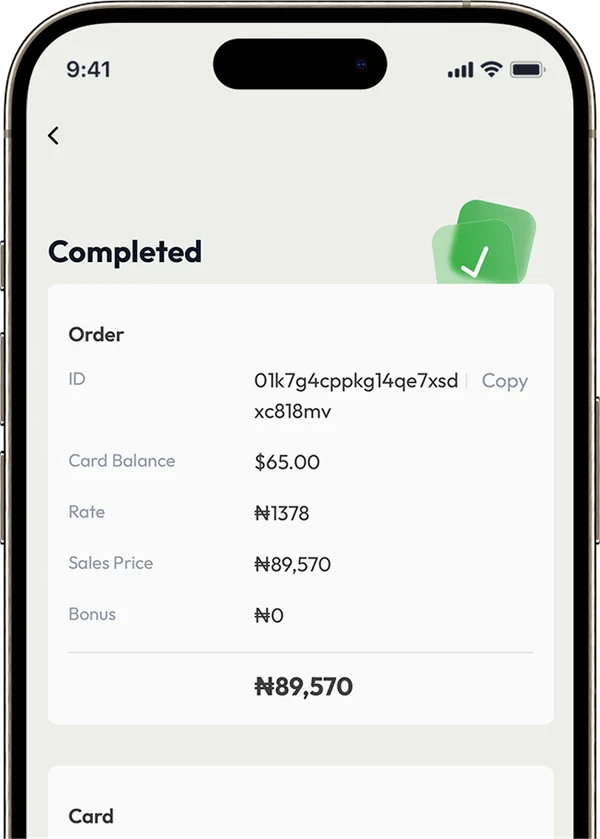
Example transaction screen, not a promised payout.
03 / COMPLETE YOUR FIRST TRADE
Trade successful. Reward unlocked.
Your card is checked before the sale is completed. Your first successful eligible gift-card trade unlocks the ₦3,000 cash reward for withdrawal when you registered with 000000.
A submitted, pending, failed or rejected trade does not unlock the reward. Check the completed status in your account.
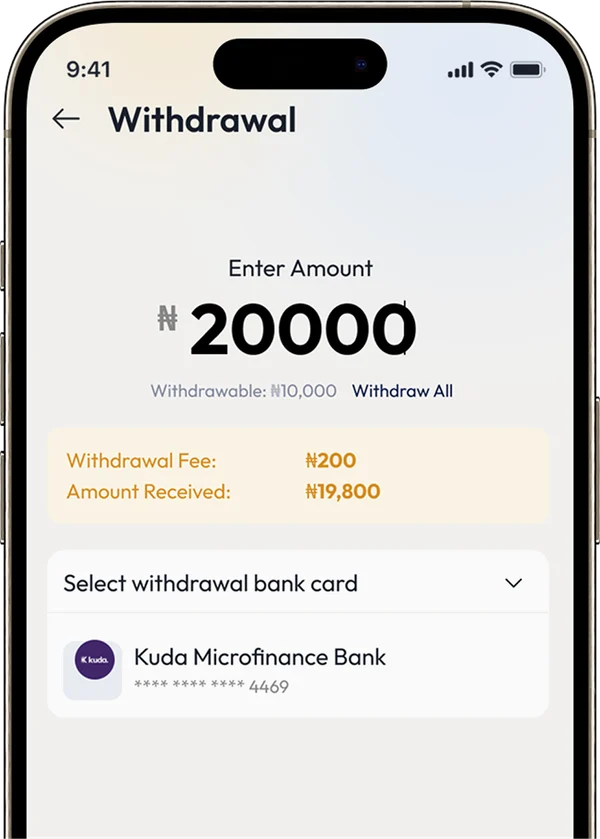
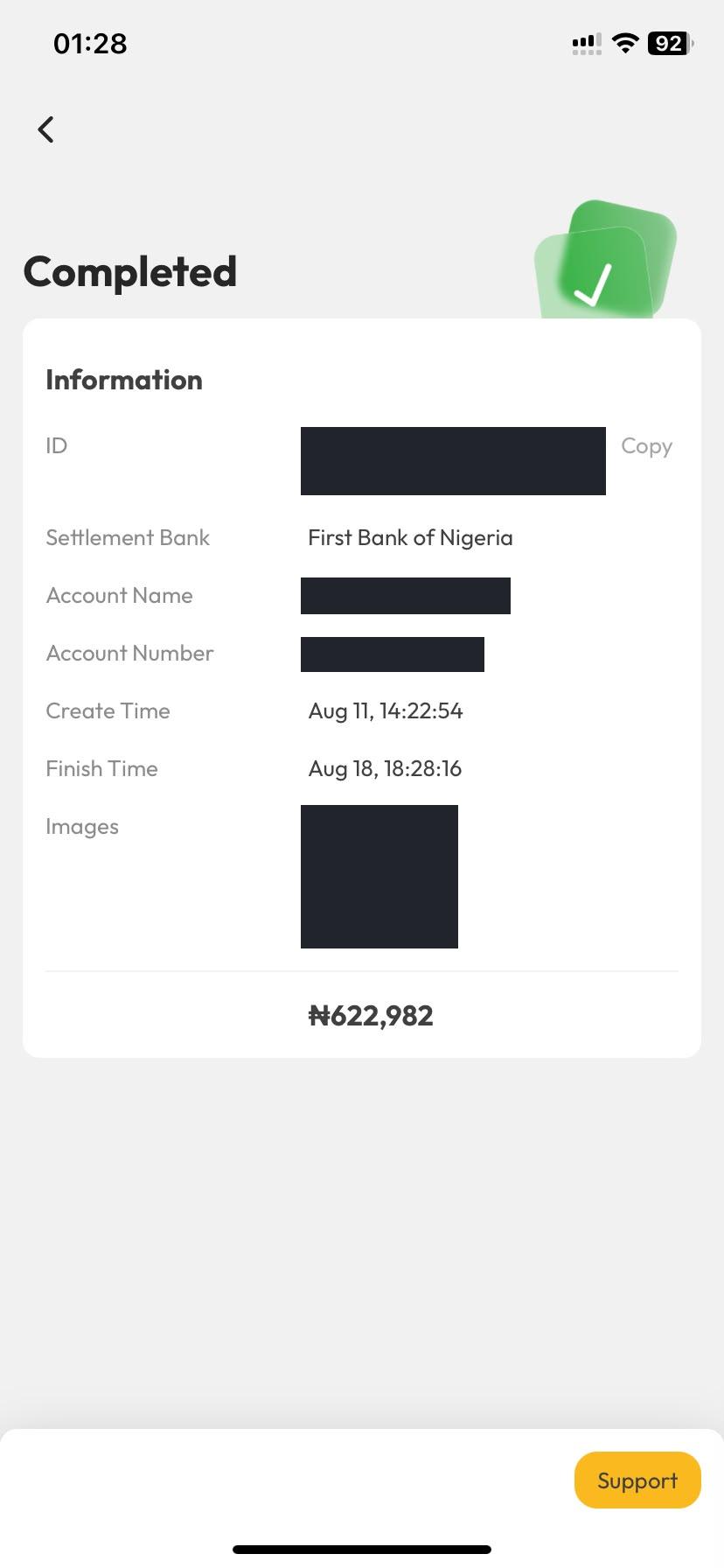
Example only. Check your actual balance and fees in-app.
04 / WITHDRAW YOUR CASH
Your balance. Ready for the next step.
After your first successful trade unlocks the reward, request a withdrawal using a supported payout method in your account.
Review your available balance, verification requirements, withdrawal limits and any fees before confirming. Bank processing times can vary.
Register with 000000, then invite friends with your own personal code. Earn a 1% bonus on their eligible successful trades, subject to the Referral Program Rules.
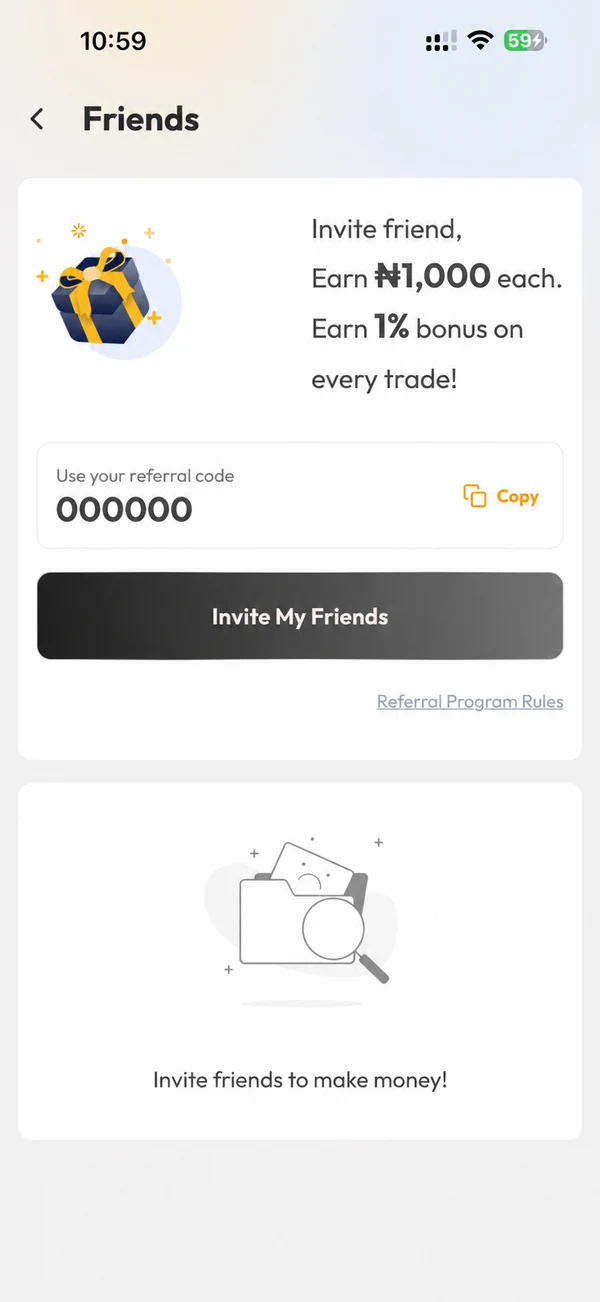
01 / SHARE YOUR PERSONAL CODE
Invite a friend. Start with your code.
After signing up, open Friends or Referral in the app. Copy your personal referral code or use Invite My Friends.
Ask your friends to enter your code during registration so their qualifying trades can be linked to you.
000000 is the code for joining through this page. Once you have an account, share the personal code shown in your own app.
Friends screen. Your personal code and referral offers may differ.
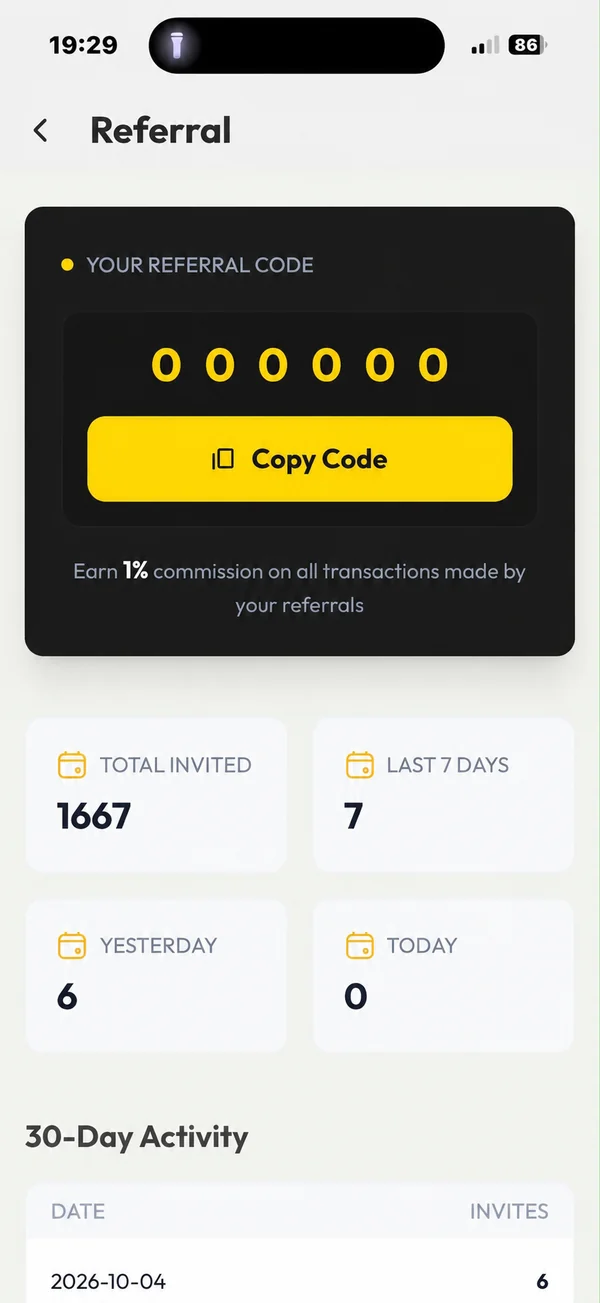
02 / TRACK YOUR INVITES
See who joined. Follow your progress.
Open Referral to see Total Invited, your last 7 days, yesterday and today. The 30-Day Activity list gives you a daily breakdown.
An invitation count is not a completed trade. The 1% bonus depends on your referred friends' qualifying successful trades and the in-app rules.
Example account activity. Invitation counts are not earnings.
03 / CHECK YOUR REWARD ENTRIES
Their eligible trades. Your reward records.
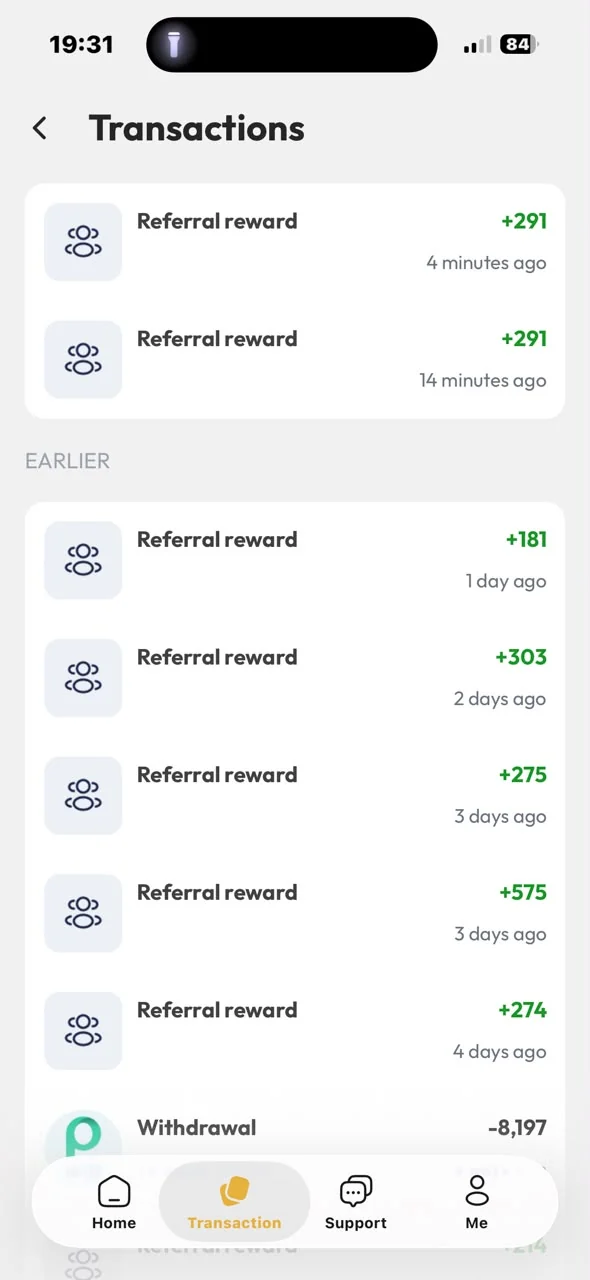
When a referred friend completes a qualifying trade, check Transactions for a Referral reward entry.
Review the credited amount and its transaction record in your own account.
Rewards vary with qualifying activity. The amounts shown here are examples, not a fixed payment per friend or a promise of future earnings.
Example reward history, not a live feed or guaranteed income.
04 / REVIEW YOUR BALANCE
Back to Home. Your next withdrawal.
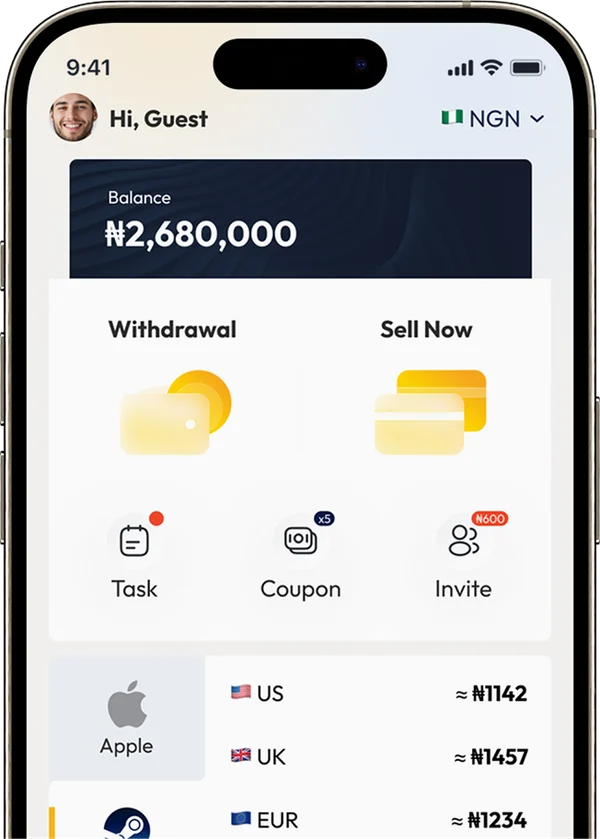
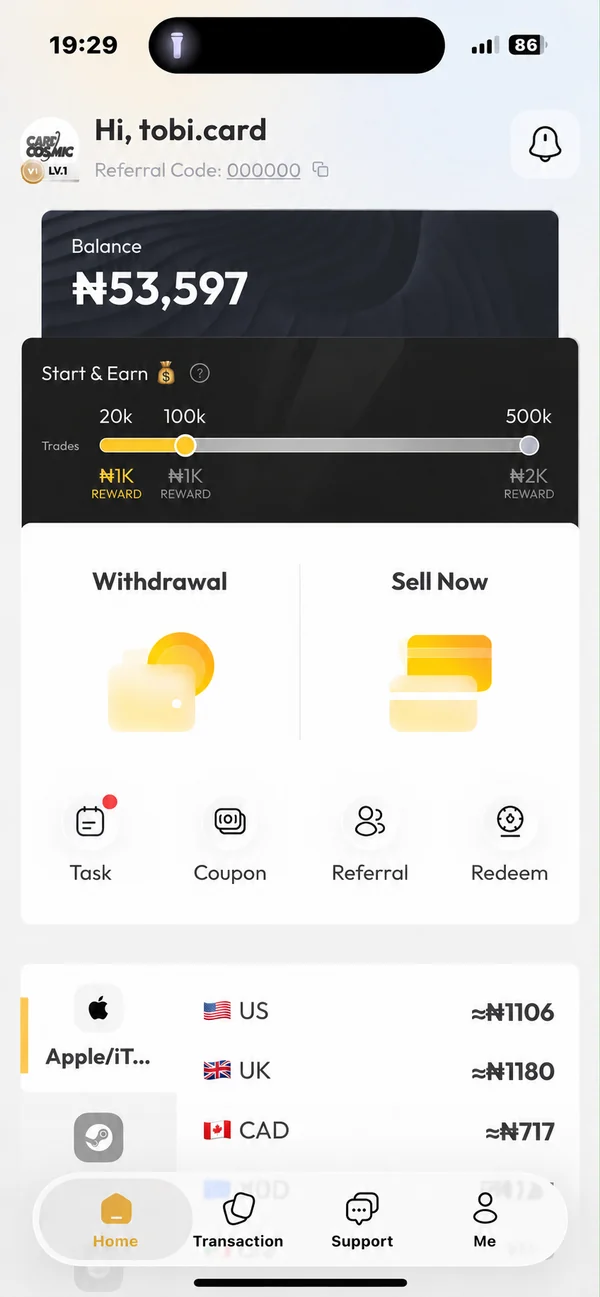
Return to Home to review your balance, then open Withdrawal to check the amount available to withdraw and your supported payout methods.
Your total balance may include trading proceeds and other credits, not just referral rewards. Check verification requirements, withdrawal limits and fees before confirming.
Example Home screen. Balance is not a referral earnings total.
01 / 04
CUSTOMER REVIEWS
What customers say.
Selected App Store review excerpts.
★★★★★
“I haven’t see any issues with this app since have been using it”
★★★★★
“The rates are very competitive, and the transactions are fast. Highly recommend for anyone looking to clear unused gift cards!”
Copy the six-digit code on this page. Open CardCosmic, start creating your account, and enter 000000 when the app asks for an invitation or referral code. Check it before completing registration. If you cannot find the field, ask in-app support before finishing signup.
Does downloading automatically apply my code?
No. Opening an app store or copying the code is not registration. You need to enter 000000 in the app during signup. This website cannot confirm whether a code was entered in your app account.
Which cards can I sell, and at what rate?
Check the CardCosmic app for supported brands, countries, denominations and current quotes. Rates and availability can change. A card must meet the app's verification requirements before a trade can be completed.
When can I withdraw the ₦3,000 reward?
Register with invitation code 000000, then successfully complete your first eligible gift-card trade. The ₦3,000 cash reward is unlocked for withdrawal after that first successful trade, not after registration alone. Submitting a card is not the same as completing a trade. Failed, rejected or pending trades do not qualify. Check the current campaign eligibility, reward crediting status, identity checks, withdrawal limits and fees in your account before requesting payment. This promotional page does not issue rewards.
Is CardCosmic legit? What can I check?
Review the App Store listing and reviews or the Google Play listing, read the in-app terms, and contact support before trading. The workflow above shows CardCosmic's product screens, not independent proof of payout. Platform statistics are supplied by CardCosmic; the selected customer excerpts link to their App Store source. No platform can eliminate every trading risk; keep your trade on-platform.
How does the 1% referral bonus work?
After registration, share your own personal code from the Friends section. Qualifying successful trades by your referred friends can earn you a 1% bonus. The Referral Program Rules in your account define the calculation base, eligibility, crediting and withdrawal conditions. This page does not promise a lifetime or unconditional payment.
How long does a bank withdrawal take?
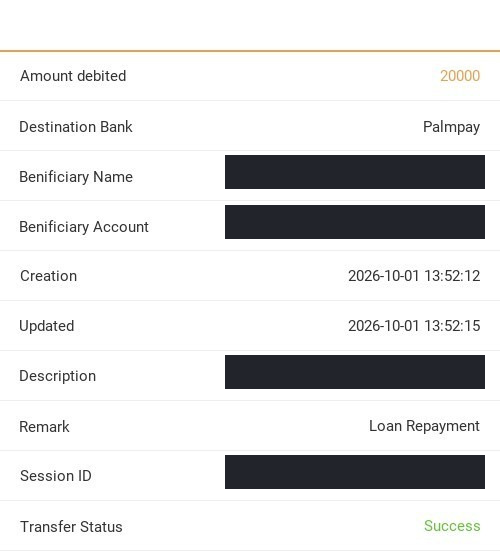
CardCosmic advertises payouts in as little as 1 minute on its official website. This is a fastest-case estimate, not a guaranteed bank arrival time. Verification and bank processing may take longer. Check your withdrawal status in the app and contact 24/7 in-app support if a payment is delayed. The ₦3,000 reward becomes withdrawable only after your first successful eligible trade.
Does a 30-second check mean an instant payout?
No. CardCosmic reports initial SI checks within 30 seconds for supported cards. Verification exceptions, completing the trade and processing a withdrawal are separate steps and can take longer.
Can I register without downloading the app?
New accounts currently need to complete registration in the CardCosmic mobile app. The web app is available, but its Sign Up page directs new users to download the app. Enter 000000 in the app's invitation code field before completing signup.
Need help with registration or a trade?
Contact 24/7 support inside CardCosmic. Do not share your password, OTP or unredeemed gift card code in public comments, and do not move a trade to a private off-platform deal.